Trek Central
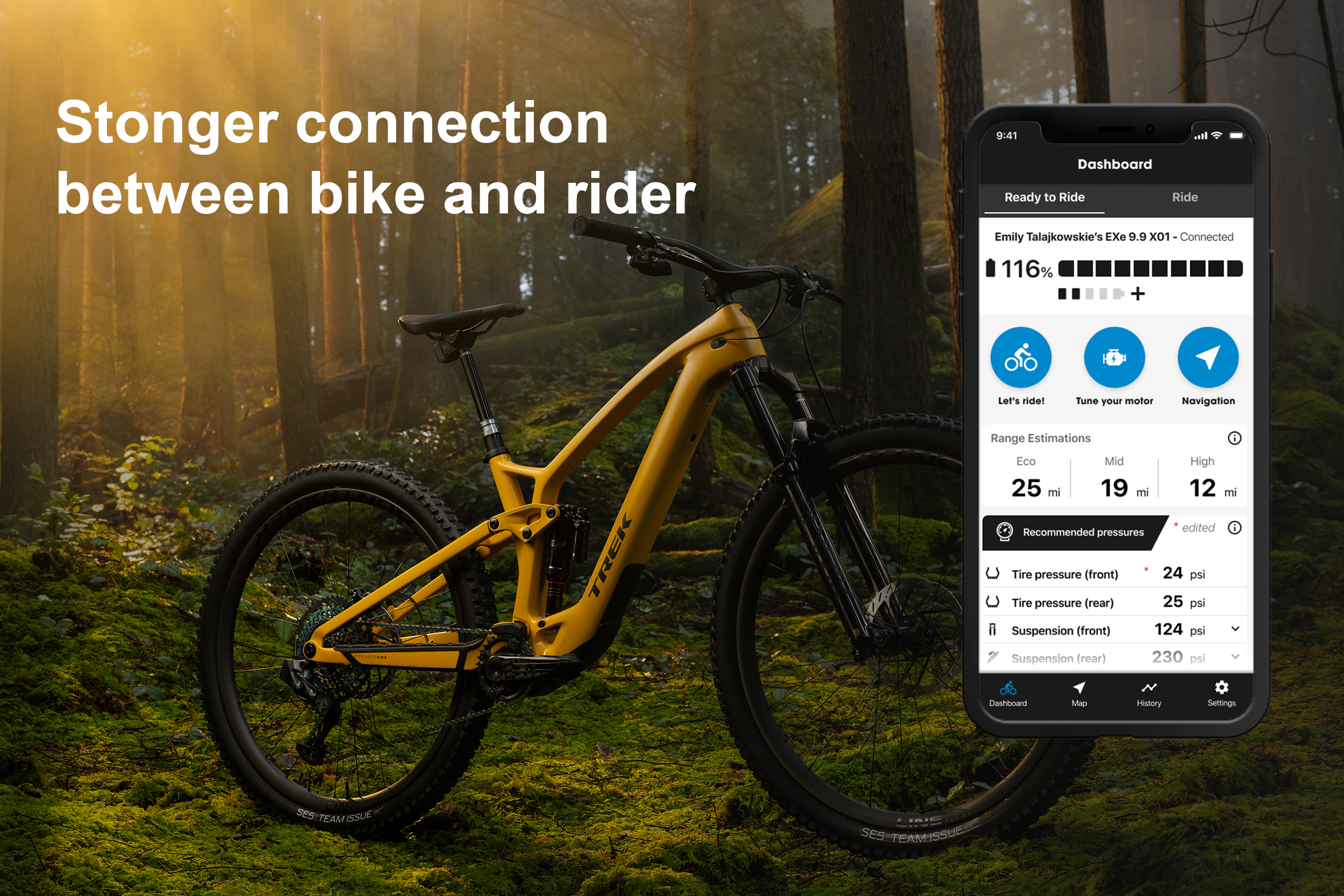
Trek Bicycle’s first mobile app. Designed to work with the Fuel EXe platform and future e-bikes.


Something new
This would be Trek’s first time designing a mobile app. There would be many new details to learn and navigate. Fortunately, our proven process still applied.
Who would be using this app? What are their goals and needs? What emotions do they have surrounding these products and features? What is the ecosystem this product will need to live within? All of these questions where still pertinent in leading us to the best solutions.
Market Examples
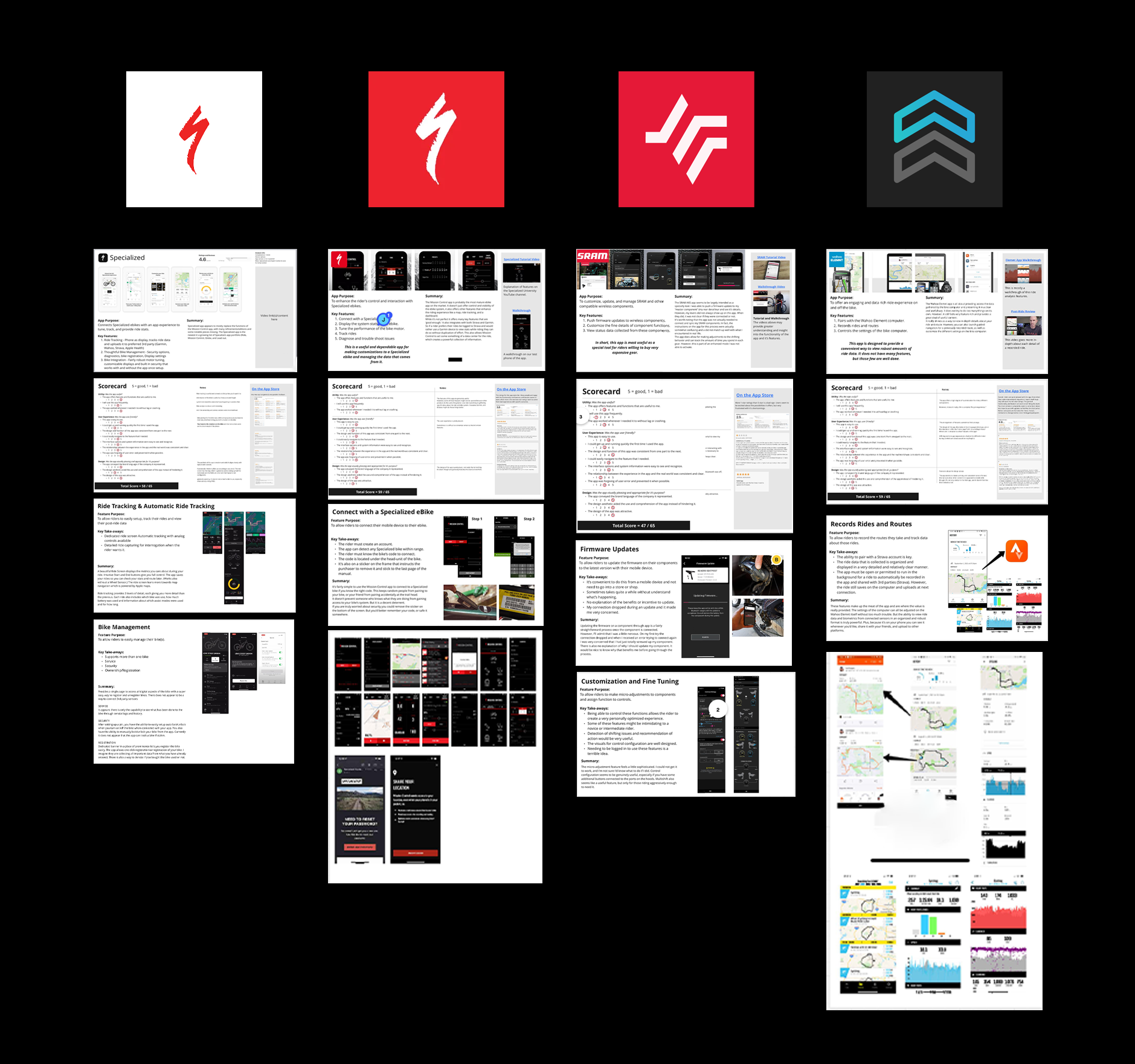
A big part of getting started was understanding what others had done. We examined and tried out as many apps in the same or adjacent markets as we could within our resources.
Specialized Ride, Specialized Mission Control, SRAM, and Wahoo Element were a few that proved insightful.
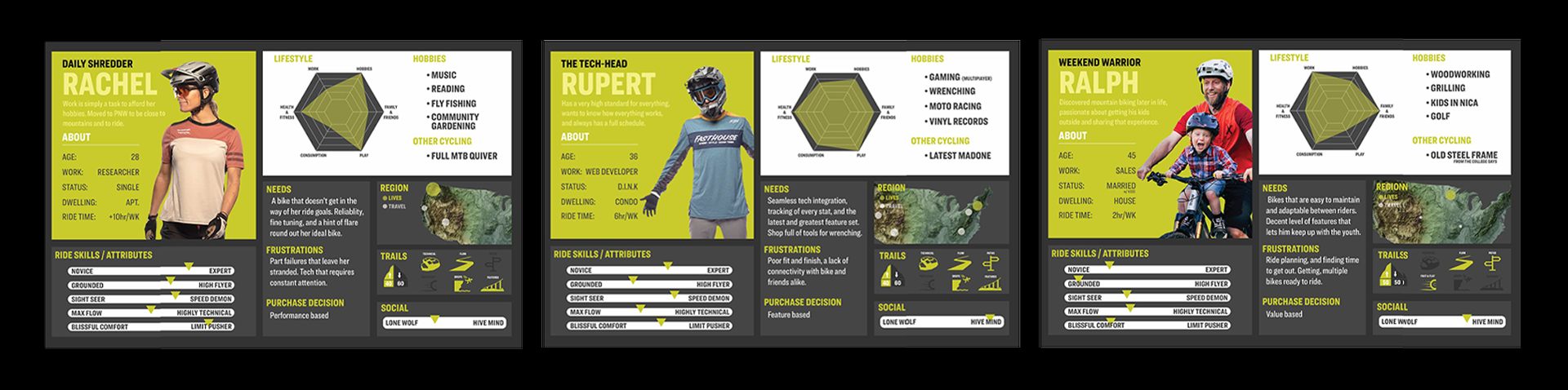
It was important for us to learn who the riders were that would be using an app that would pair with our bikes. Ultimately, it would need to serve all of our riders. But we needed to narrow our scope to start. The profiles below represent user architypes that resulted from our observations and interviews.
Gaining a solid understanding of the product landscape and the key riders allowed us to define a target feature set. We determined that the rider needed to be able to do the following things:
Understand the status of their e-bike
Understand the current range of their battery
Tune the performance of their motor
Plan and record rides
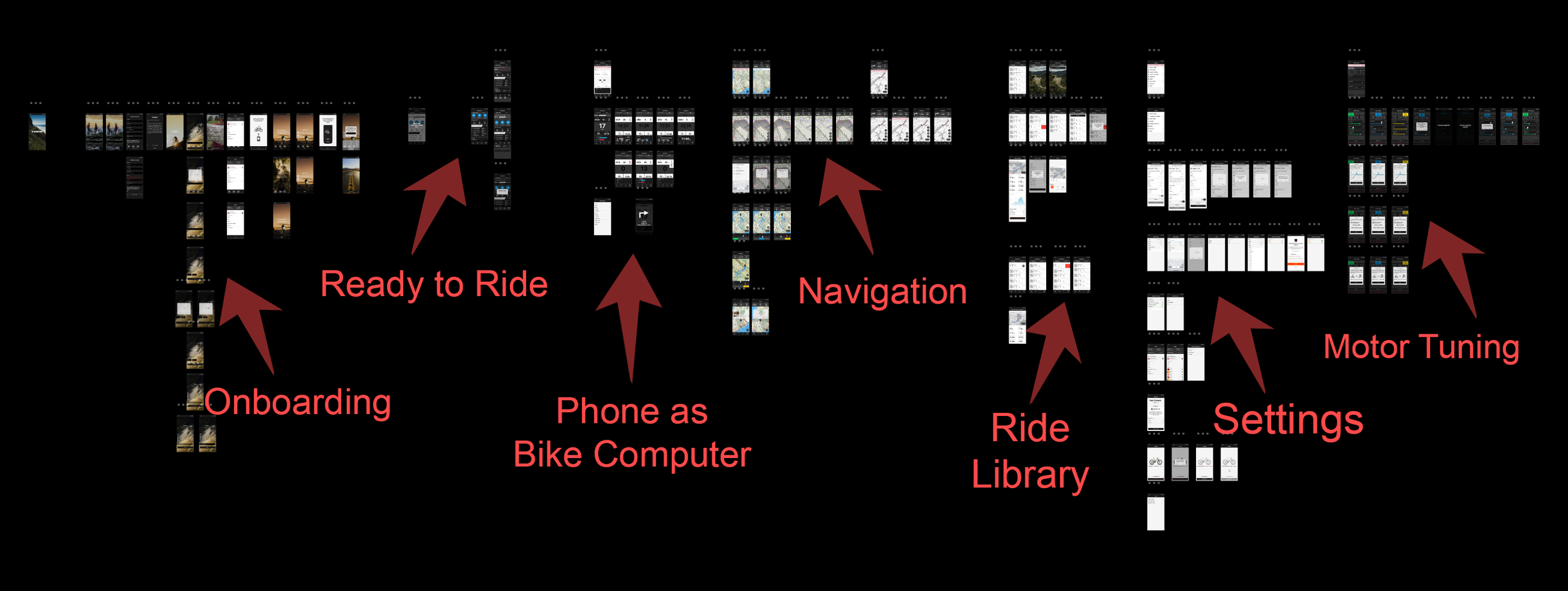
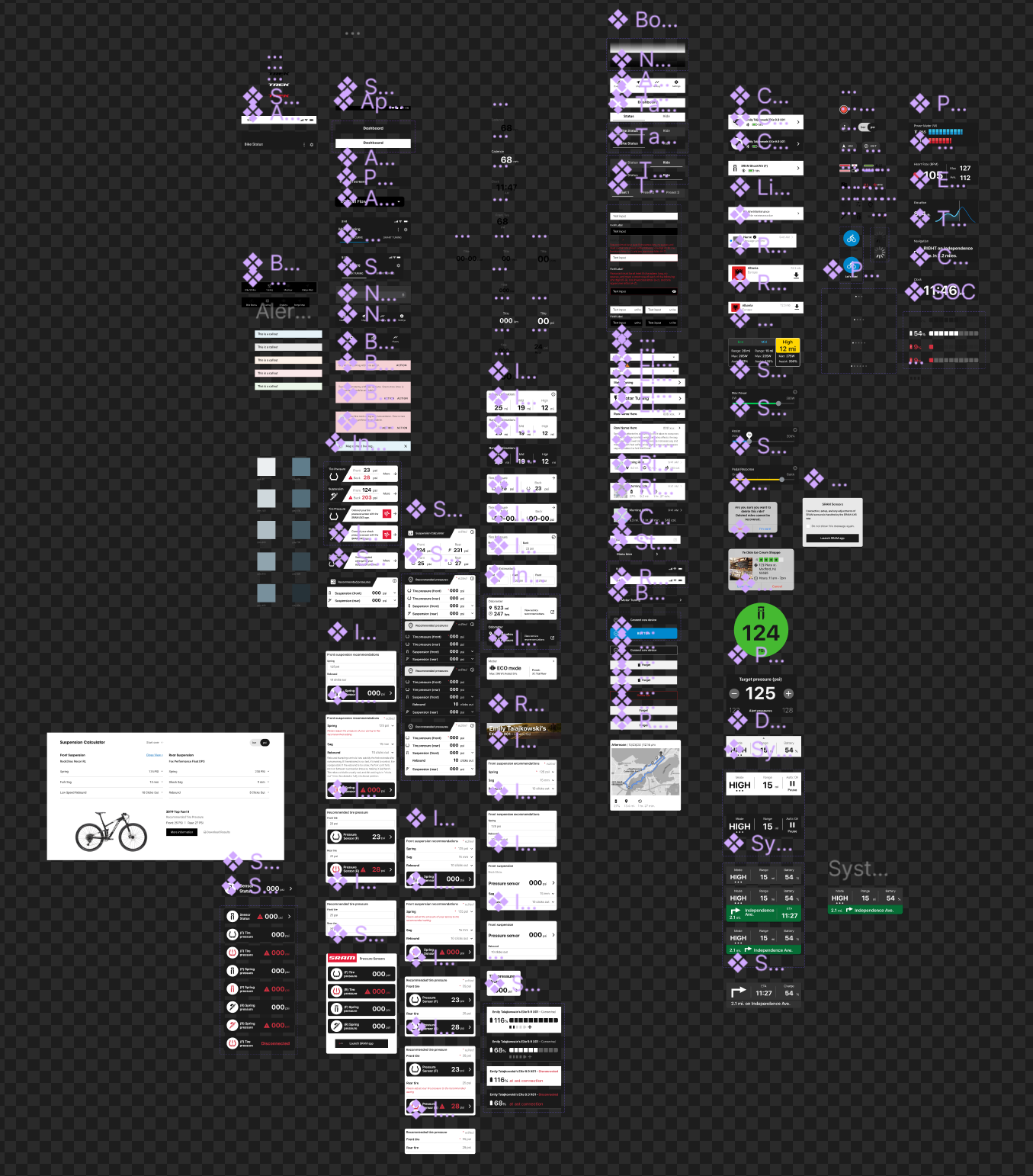
Once we were aligned on those details we were able to begin building a wireframe. The complete collection of screens is shown below.
Graphic components
Stylistic refinements and revisions continued right up until launch. Visual brand language was a very important aspect of the project, particularly since this was Trek’s first mobile native product.
Because of this, it was very important to keep a well organized component library to ensure that any stylistic change was reflected and assessed across the entire interface structure.
We also wanted this app to work for our Electra brand.
An updated Townie Go! and the Ponto Go! were launching about the same time, both of which would be compatible.
This meant creating some new varieties of our basic text and tokens, and even creating some entirely new components.
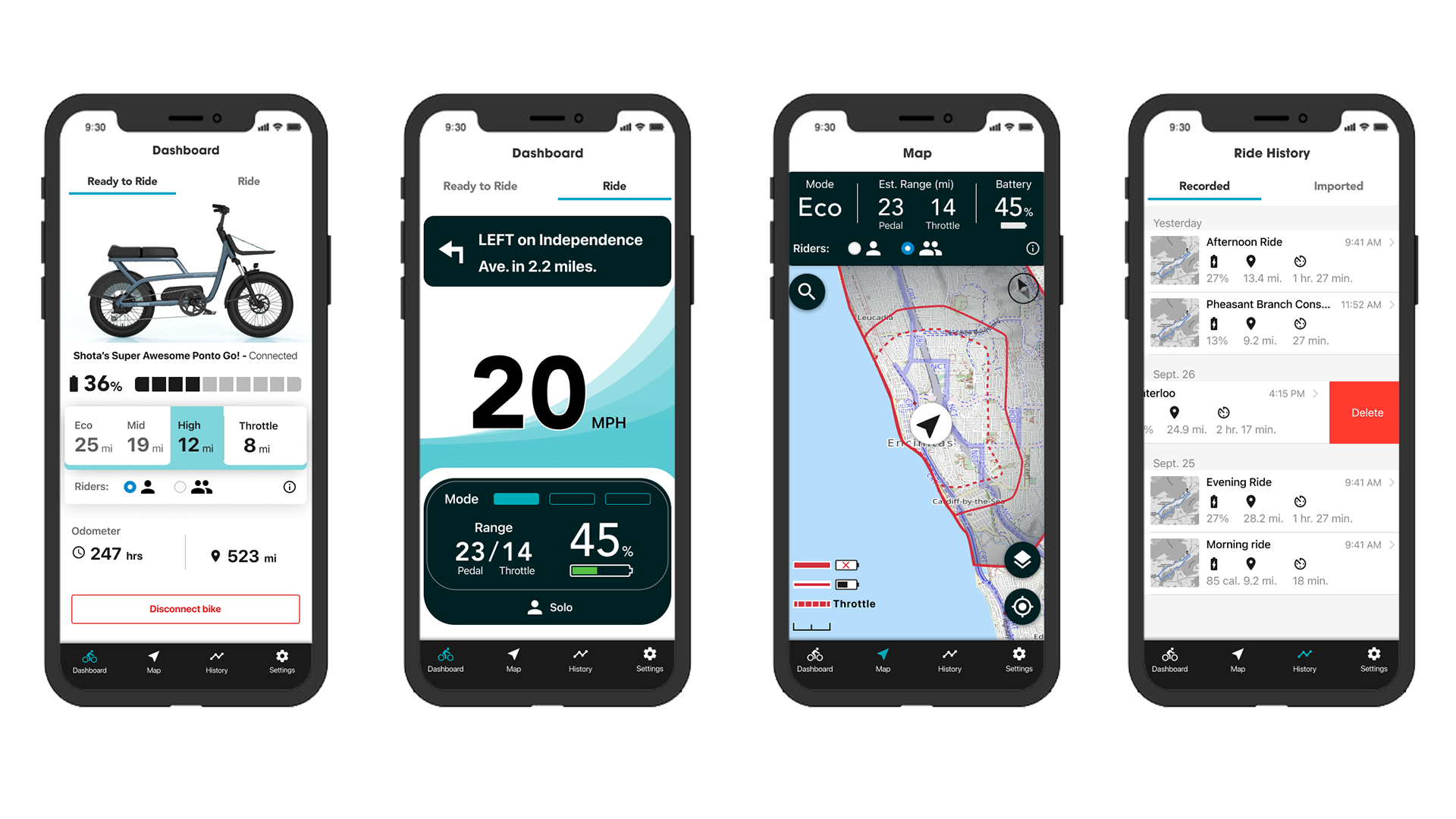
After much back and forth with our development partner we released on the App Store in time for the launch of the much anticipated Fuel EXe. Shortly thereafter an Android version was made available on Google Play.
Meet the first iteration of Trek Central.
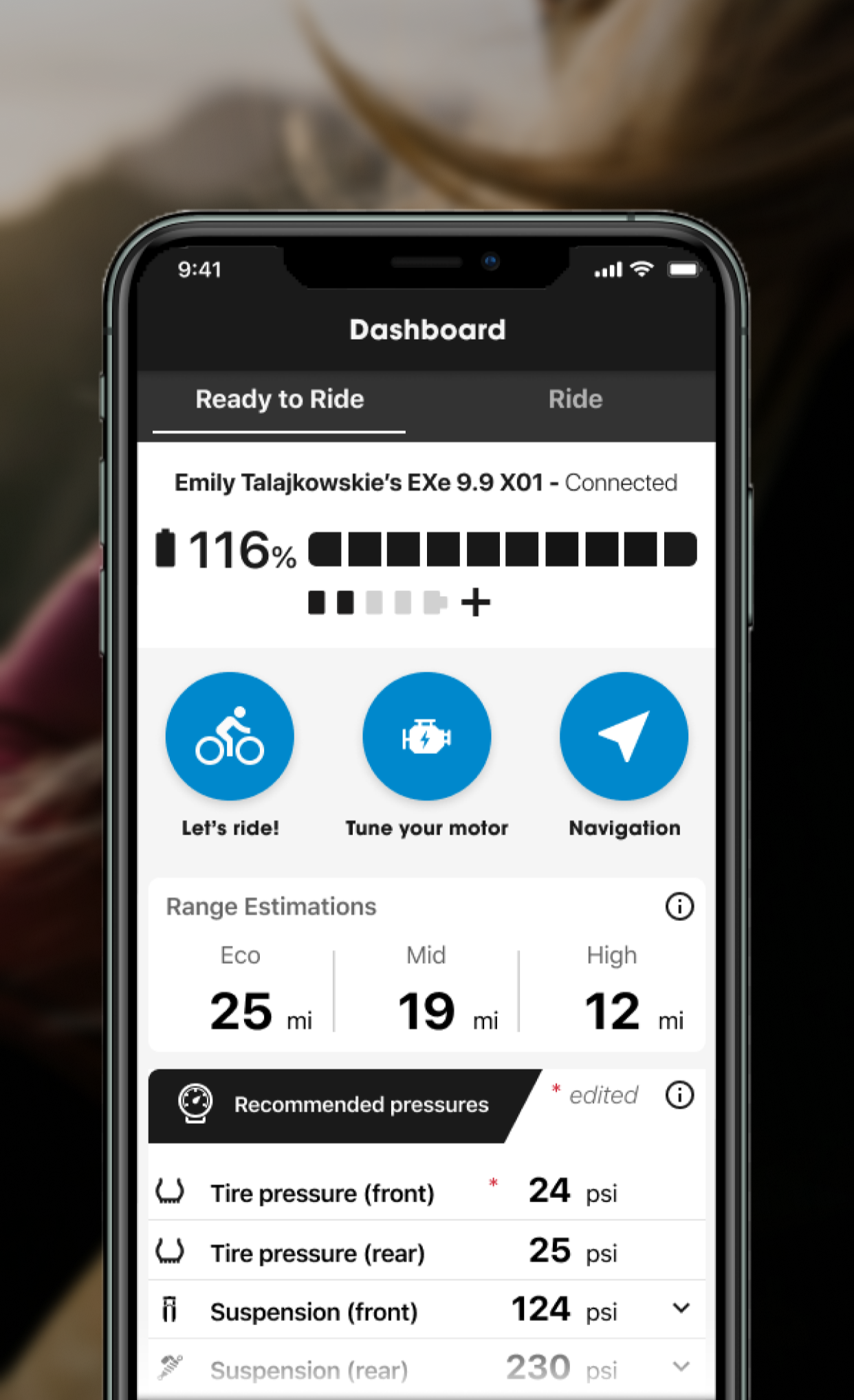
Check your system stats at a glance.
Trek Central’s Ready to Ride screen gives riders a readout of the bike’s system stats.
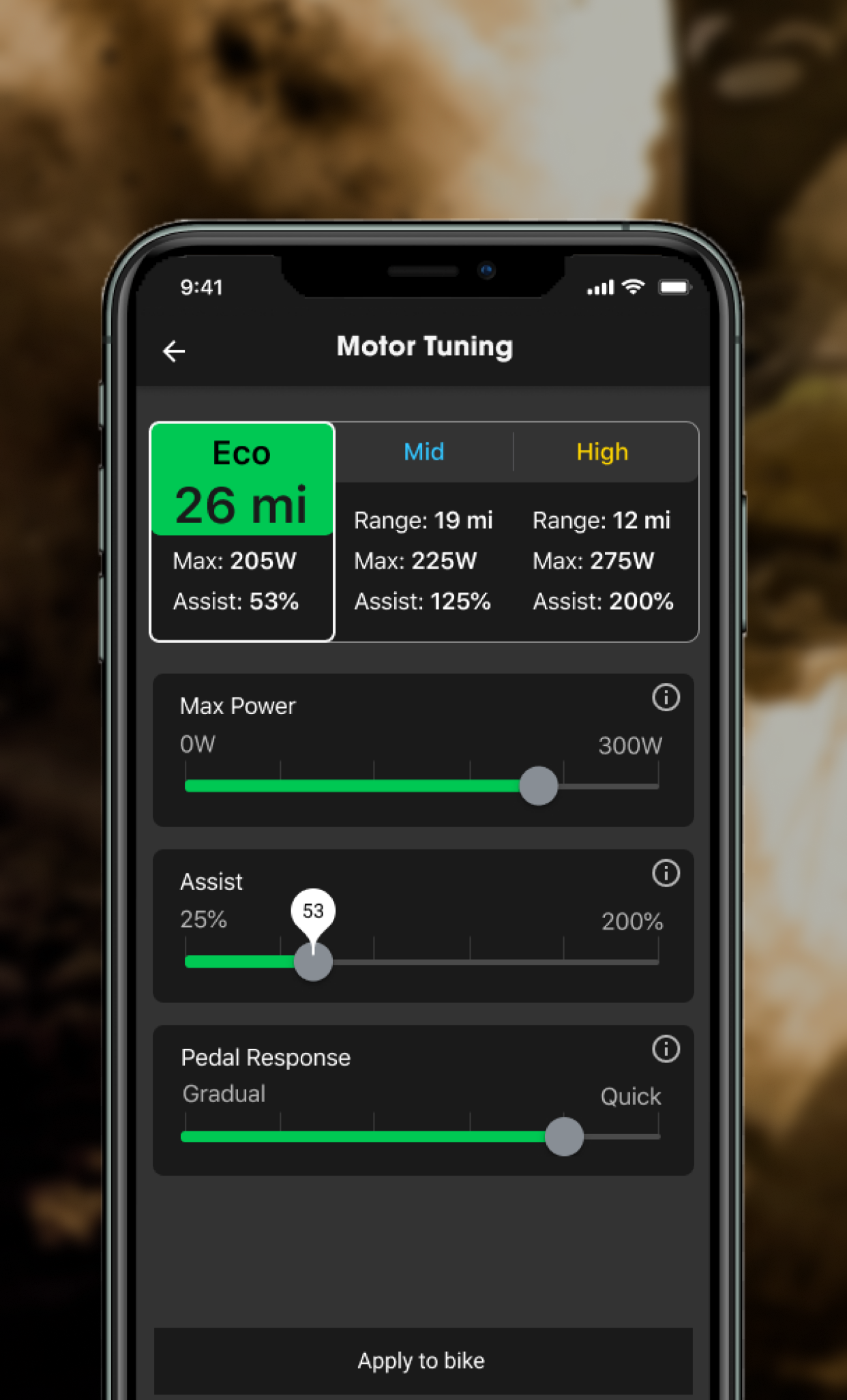
Tune your motor to fit your ride style.
The app allows riders to tune the performance of the motor to meet their ergonomic preference or to match each ride’s terrain.
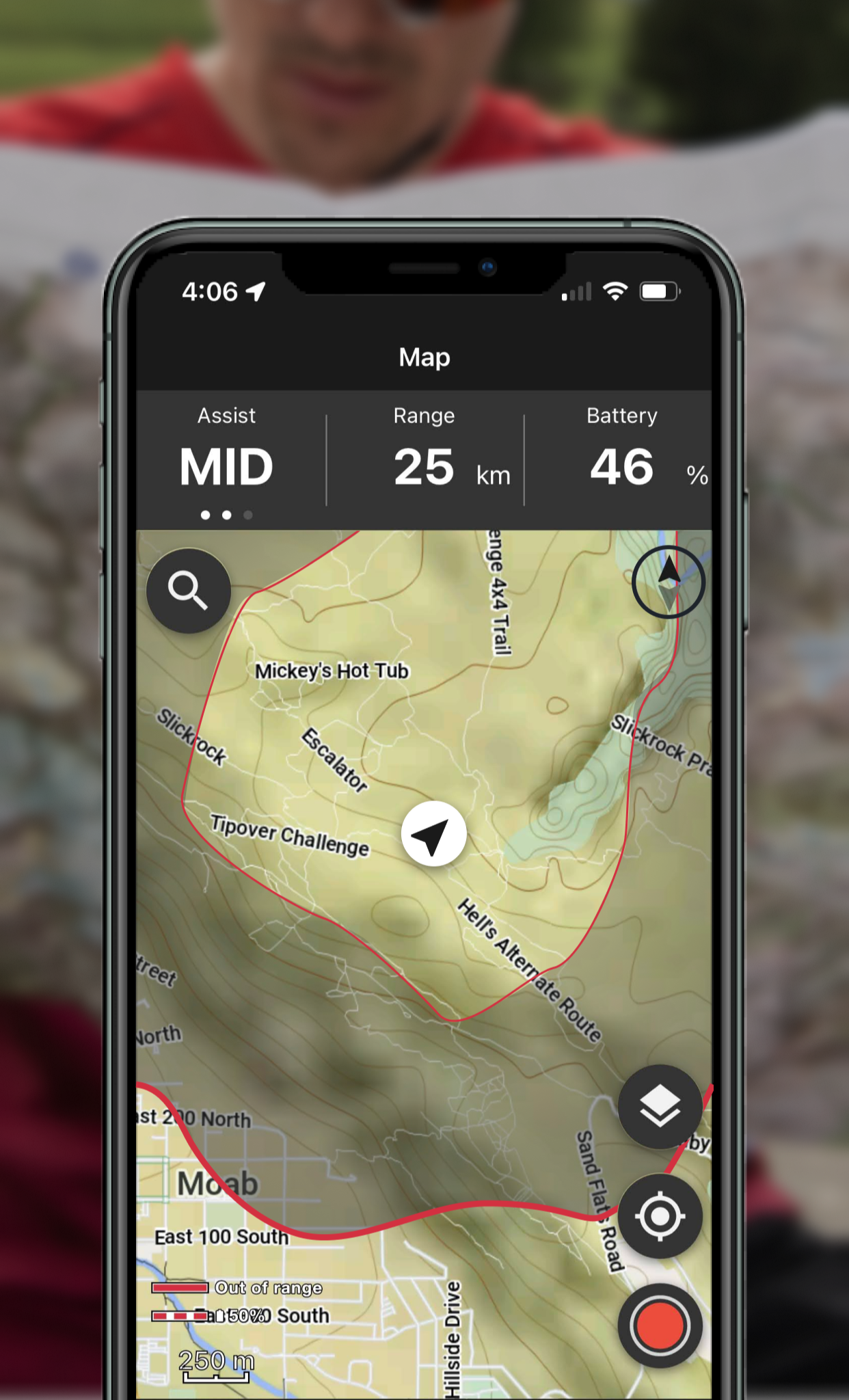
Find new trails and see your bike’s range.
See an estimation of your bike’s current range laid over the top of a topographical map.
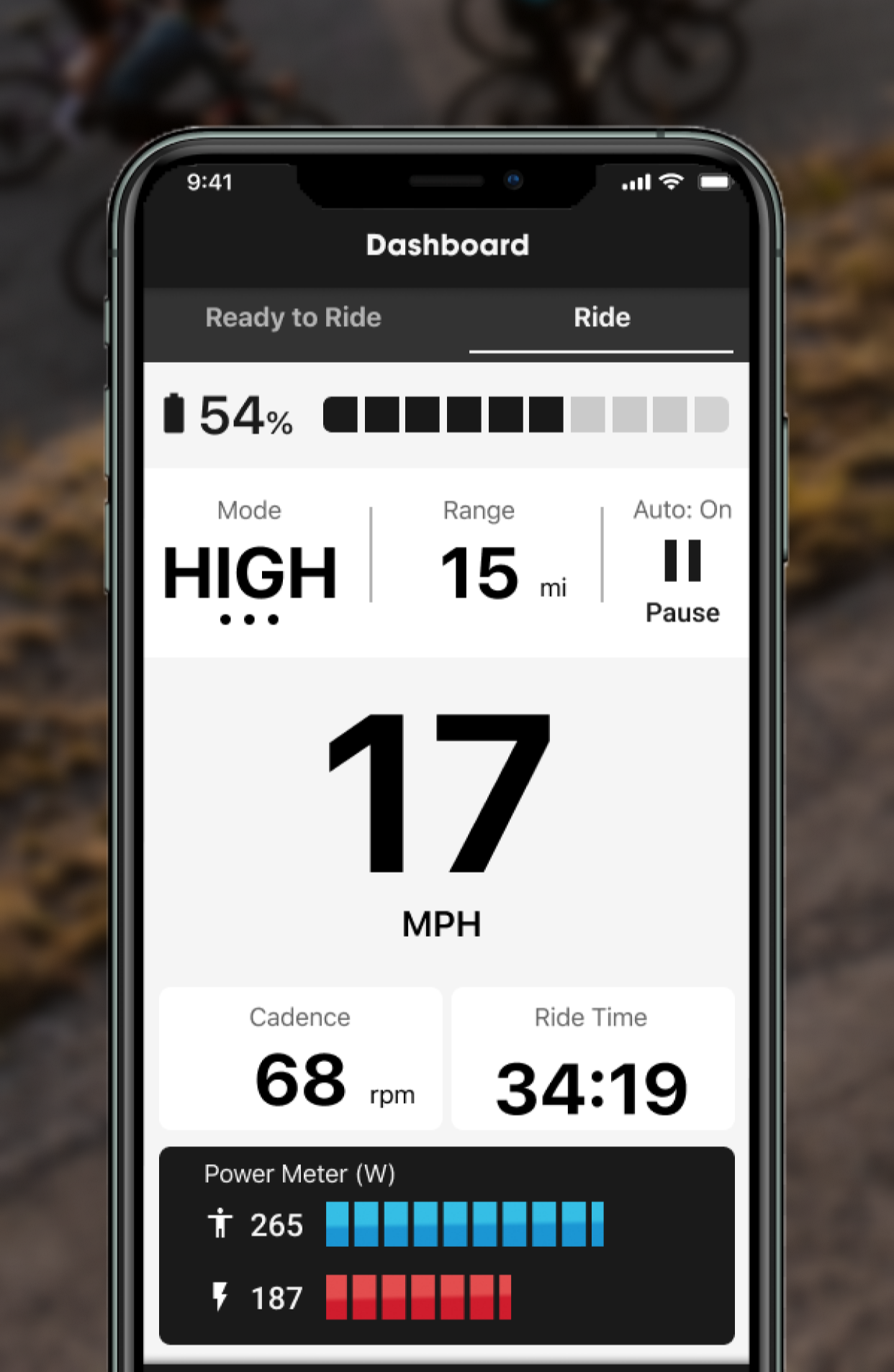
Use your phone as a high quality bike computer.
Trek Central allows riders to use their phone as a hi-res bike computer. View ride info as well as e-system stats all on one screen.